
Jefferson County Trial Court Calendar
The public hearing schedule channel is the Indiana Trial Court Calendar. It is separate from MyCase. The calendar search is built for hearing dates, while MyCase is built for case summaries, chronological case summaries, and public document links. The research confirms that the Trial Court Calendar county list includes Jefferson County as county key 39, and the Jefferson County court list returned Jefferson Circuit Court with key 3911.
The Indiana Trial Court Calendar is the source for the primary Jefferson County court dockets image. It is the correct starting point when the question is a hearing date rather than a full court record.
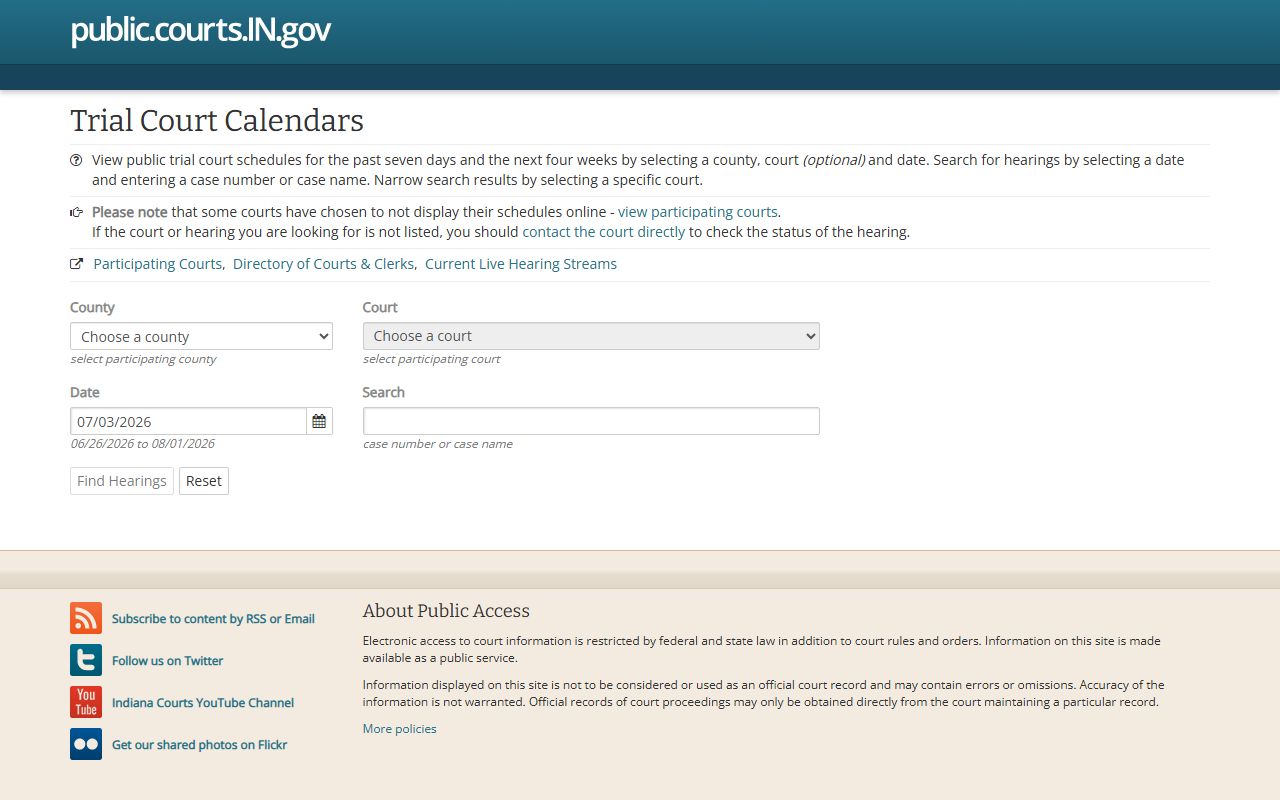
The calendar result can help a user decide whether to call the Circuit Court, the Superior Court, or the Clerk for the next step.
Calendar coverage has limits. The app shows schedules for participating courts and warns that some courts choose not to display schedules online. If a hearing is not listed, contact the court. Calendar search also uses date limits: schedules are available for the past seven days and the next four weeks. More than 100 hearings can trigger a message telling the user to narrow by county, court, and date.
- Open the Trial Court Calendar and choose Jefferson County when the county field is used.
- Choose the court if the field is available, or search by case number or case name when known.
- Enter the hearing date in MM/DD/YYYY format. Use the allowed date range, not a broad year search.
- Review the session date, time, court, case number, case style, hearing description, and judicial officer fields.
- Call the court if no hearing appears, if the case is confidential, or if the schedule may have changed.
Jefferson County Calendar Fields
The Trial Court Calendar search fields are narrower than the full MyCase fields. They focus on county, court, date, and optional case text. This makes the calendar useful for a known hearing date or a known case name, but less useful for broad record research. A person trying to understand filings, orders, bonds, charges, and dispositions should use MyCase and the Clerk path for Jefferson County court records.
The Court Calendar county API is the image source assigned for this field section. It confirms the calendar is built around county keys, including Jefferson County's state calendar listing.
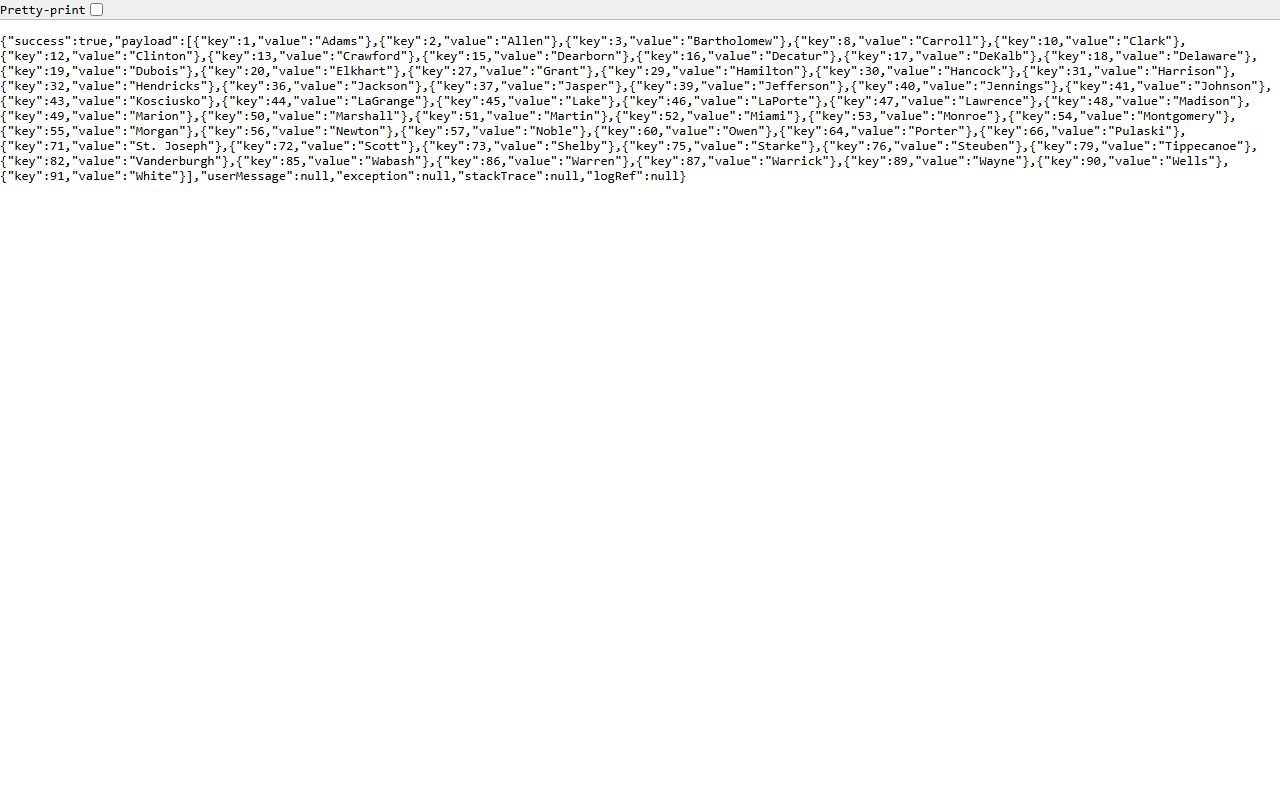
The county and court fields explain why a Jefferson County court docket search may need both a calendar lookup and a case-summary lookup.
| Field Label | Type | Required | Options / Format Notes |
|---|---|---|---|
| County | Dropdown | Required unless text search is used | API confirms Jefferson County key 39. |
| Court | Dropdown | Optional | For countyID 39, the API returned Jefferson Circuit Court, key 3911. |
| Date | Masked date / calendar picker | Required | MM/DD/YYYY; schedules are available for the past seven days and next four weeks. |
| Search | Text | Optional | Case number or case name; app code shows a maximum length of 75. |
| Buttons | Buttons | Not applicable | Find Hearings, Reset, calendar picker icon, Previous Day, and Next Day. |
Jefferson County Hearing Result Fields
A posted Jefferson County court docket result is a hearing-schedule entry, not the whole court file. Calendar output can show the session date, start time, end time, time zone if published, case number, case style or case name, court name, hearing description, and judicial officer. Some case numbers may link to the case URL. The calendar can also return no-results messages or a more-than-100-hearings message.
Hearing results should be read with caution. A missing calendar entry can mean no public setting is posted online, the court does not display that schedule, the date is outside the calendar range, the search was too broad, or the case is restricted. The court record may still exist in MyCase or at the Clerk. For urgent appearance questions, use the local court phone number instead of relying only on a web result.
| Field | What It Shows |
|---|---|
| Session Date | The date attached to the court calendar session. |
| Start / End Time | The scheduled hearing window if the court publishes both fields. |
| Case Number | The Indiana cause number, sometimes linked to the case URL. |
| Case Style | The case name or party-caption style shown for the hearing. |
| Court Name | The court attached to the calendar result, linked to court directory information when available. |
| Hearing Description | The type or short label for the scheduled proceeding. |
| Judicial Officer | The judge or judicial officer listed for the scheduled event. |
| No Results / 100 Hearings | System messages showing no matching hearings or a need to narrow the search. |
Jefferson County Courts With Dockets
Jefferson County has a Circuit Court and a Superior Court at the courthouse in Madison. The local allocation affects which docket or case summary a user should expect. Circuit Court handles murder and Level 1 through Level 4 felonies, CHINS, juvenile, mental health, probate, paternity, and IV-D child support appearances by the Prosecuting Attorney. Superior Court handles misdemeanors, Level 5 and Level 6 felonies, small claims, evictions with damages of $10,000 or less, infractions including traffic, other non-criminal offenses, and Drug Court cases.
The Jefferson County Circuit and Superior Courts page gives the local contact split. Circuit Court Office is at 300 E Main Street, Room 300, phone 812-265-8930. Superior Court Office is at 300 E Main Street, Room 205, phone 812-265-8914. The Jefferson County Clerk is in Room 203, phone 812-265-8922, and keeps official trial-court records. The state Jefferson County courts page places the county in Judicial District 22 and links local rules.
Jefferson Circuit Court Office
300 E Main Street, Room 300
Madison, IN 47250
812-265-8930
Major felony, juvenile, CHINS, mental health, probate, paternity, and IV-D support matters.
Jefferson Superior Court Office
300 E Main Street, Room 205
Madison, IN 47250
812-265-8914
Misdemeanor, Level 5 and Level 6 felony, traffic, infraction, small claims, eviction, and Drug Court matters.
Jefferson County Clerk
300 E Main Street, Room 203
Madison, IN 47250
812-265-8922
Official court records, copies, payments, judgments, fines, and permanent court history.
Docket vs. Full Case Record
A Jefferson County court docket is an event trail. In Indiana, the chronological case summary is the docket-style list of filings, hearings, orders, judgments, dispositions, sentencing events, violations, and appellate activity. The full case record is broader. It may include pleadings, motions, orders, charging documents, bond orders, probable-cause papers where public, plea agreements, sentencing orders, financial details, and certified copies maintained by the Clerk.
The distinction matters when a user needs proof. A docket entry may show that a judgment, disposition, or sentence occurred, but the certified order or decree is requested from the Clerk. A calendar entry may show a hearing, but it does not prove the hearing happened or show the result. The case summary and official court record must be checked for the outcome.
| Question | Docket or Calendar | Full Case Record |
|---|---|---|
| Format | List of events, hearings, and schedule entries. | Case summary plus filed documents, orders, payments, and official copies when available. |
| Best use | Track timing, settings, and procedural movement. | Confirm parties, charges, dispositions, judgments, certified records, and filed papers. |
| Online access | Calendar and MyCase entries may be free if public. | Some documents are online, some require in-person access, and certified copies go through the Clerk. |
| Limit | A listed hearing may change, and some schedules are not displayed. | Restricted, sealed, juvenile, mental health, adoption, and protected records may be unavailable. |
Why Jefferson County Dockets May Not Appear
Several access limits can affect Jefferson County court dockets. Some courts choose not to display schedules online. Some hearings may be outside the calendar date range. Some cases may be confidential, sealed, expunged, or protected by statute or court rule. MyCase excludes public access to confidential, sealed, and expunged cases, and protection-order cases cannot be found on MyCase because protected-person identifying information is excluded from online public access.
Indiana Administrative Rule 9 is the source for the administrative-rule image below. Rule 9 is central because it governs remote electronic access and courthouse access to publicly accessible court records.
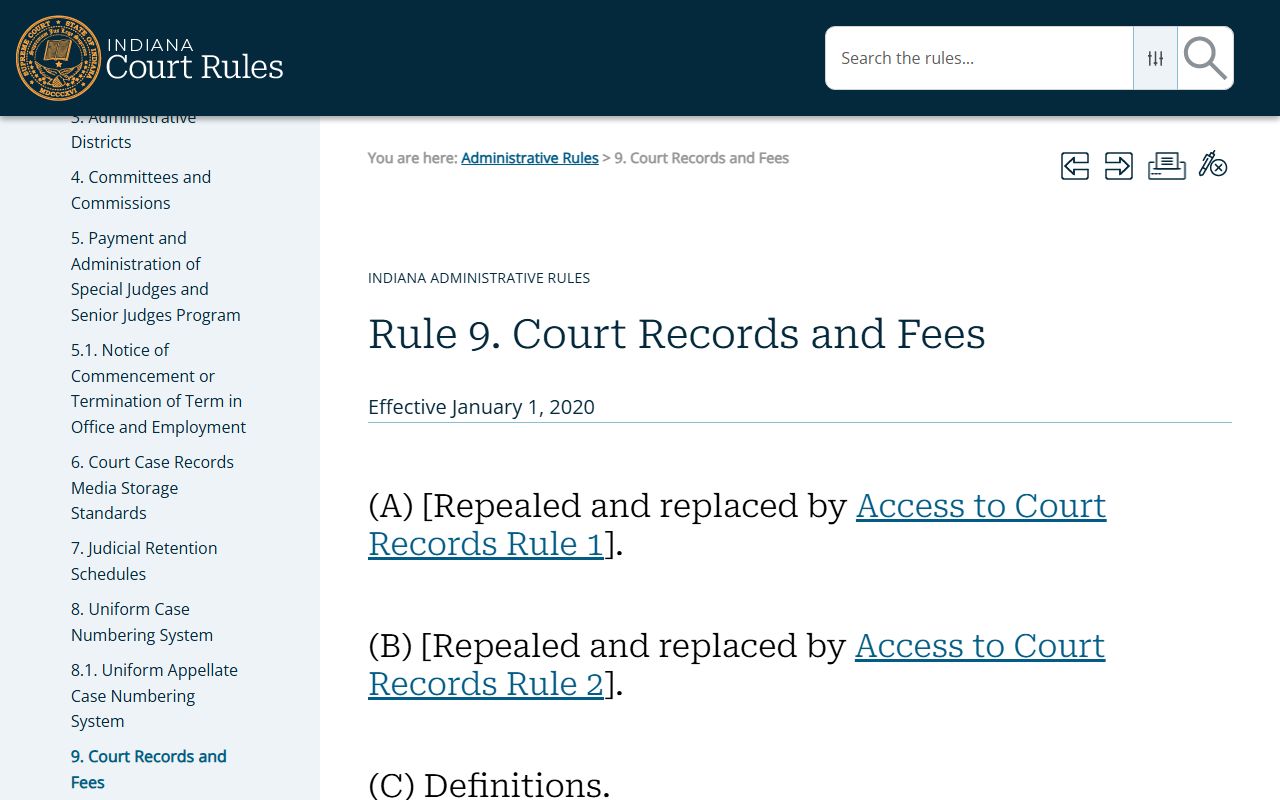
Rule 9 helps explain why a public courthouse record and a public remote docket result are not always the same thing.
Rule 5 also limits access to certain records. Juvenile, CHINS, delinquency, status, termination, adoption, mental health, protected-person, sealed, and expunged records may not be visible to the public. Required redactions can also remove complete Social Security numbers, account numbers, child witness names in sex-offense cases, and victim or witness identifying data. A missing docket entry should be checked with the court before assuming no case exists.
Note: A Jefferson County court docket can be public at the courthouse even when no remote calendar result appears.
Read Jefferson County Docket Entries
Indiana docket terms are easier to read once the common labels are separated. A hearing is a scheduled court proceeding. A motion is a written request asking the court to act. An order is a judge's ruling. A disposition is the outcome of a charge or case. A judgment is a final decision creating obligations or relief. A continuance is a postponement. A sentence is the court-imposed penalty after conviction.
Criminal dockets can include arraignment or initial hearing activity, bond events, charge events, sentencing events, disposition events, and violation events. Civil dockets can include complaint filings, service events, motions, orders, judgments, and financial entries. Traffic and infraction dockets often show citation-related case numbers, appearance dates, payment or judgment activity, and disposition entries. For case-result questions, the docket should be read with the full case summary and any public documents that MyCase allows.
- Chronological case summary
- Indiana's docket-style list of events, filings, and court actions in a case.
- Disposition
- The outcome of a charge or case, such as dismissal, judgment, plea, or other result.
- Converted event
- An event brought into the public case system from a prior system.
- Judgment event
- A docket entry tied to a court decision creating legal obligations or relief.